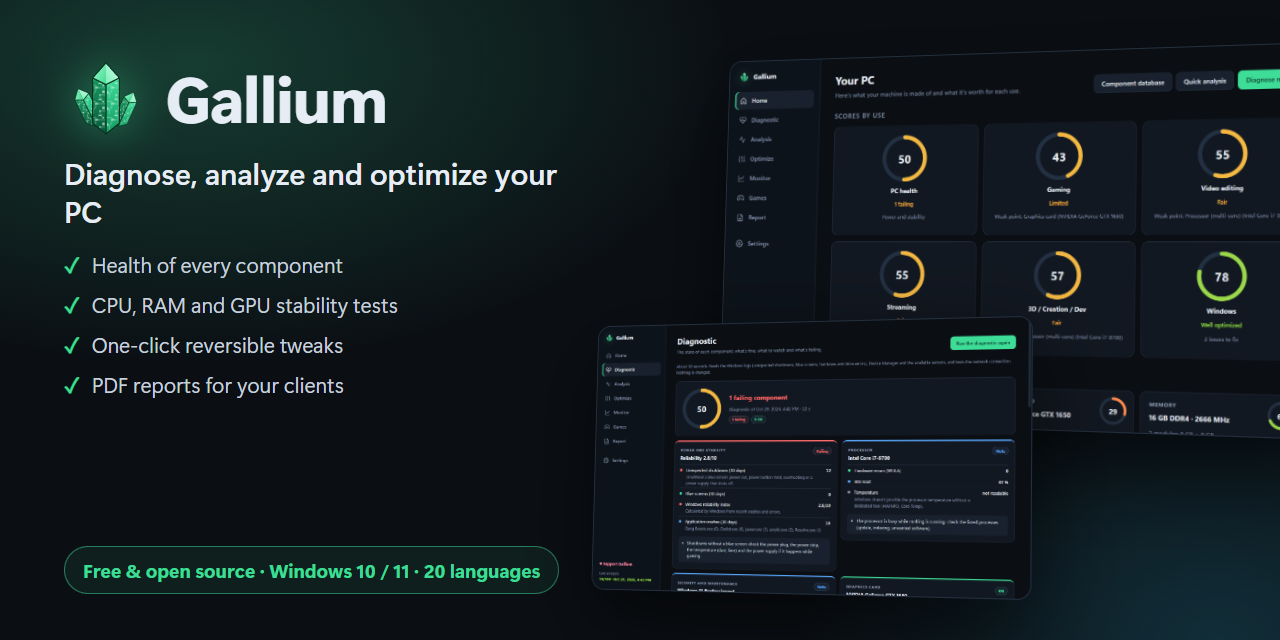
Know what's fine, what to watch and what's failing in your PC.

Gallium diagnoses every component of your Windows PC in 30 seconds, explains blue screens, tests stability and applies reversible optimizations. Free and open source.

Windows 10 / 11 · Installer or portable · 20 languages · GPL-3.0

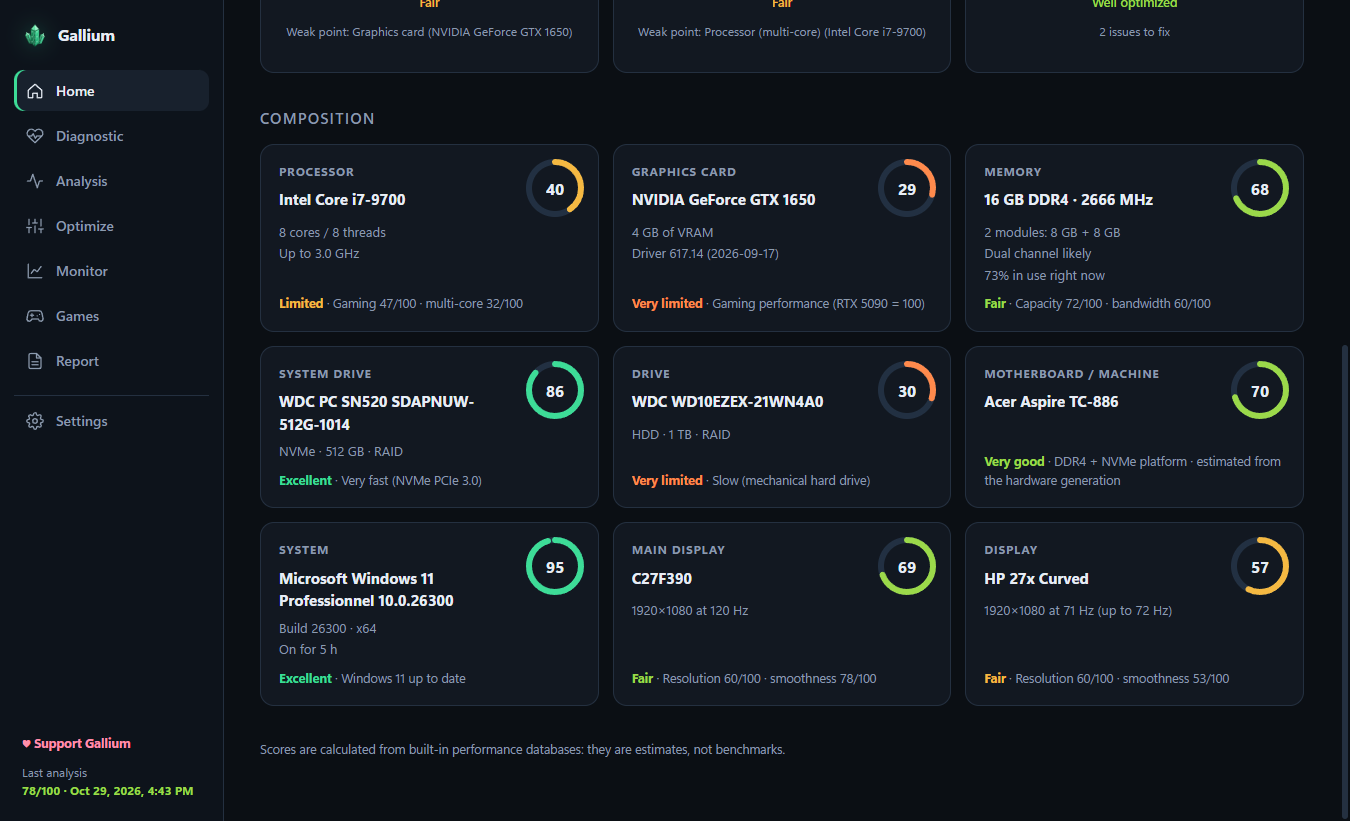
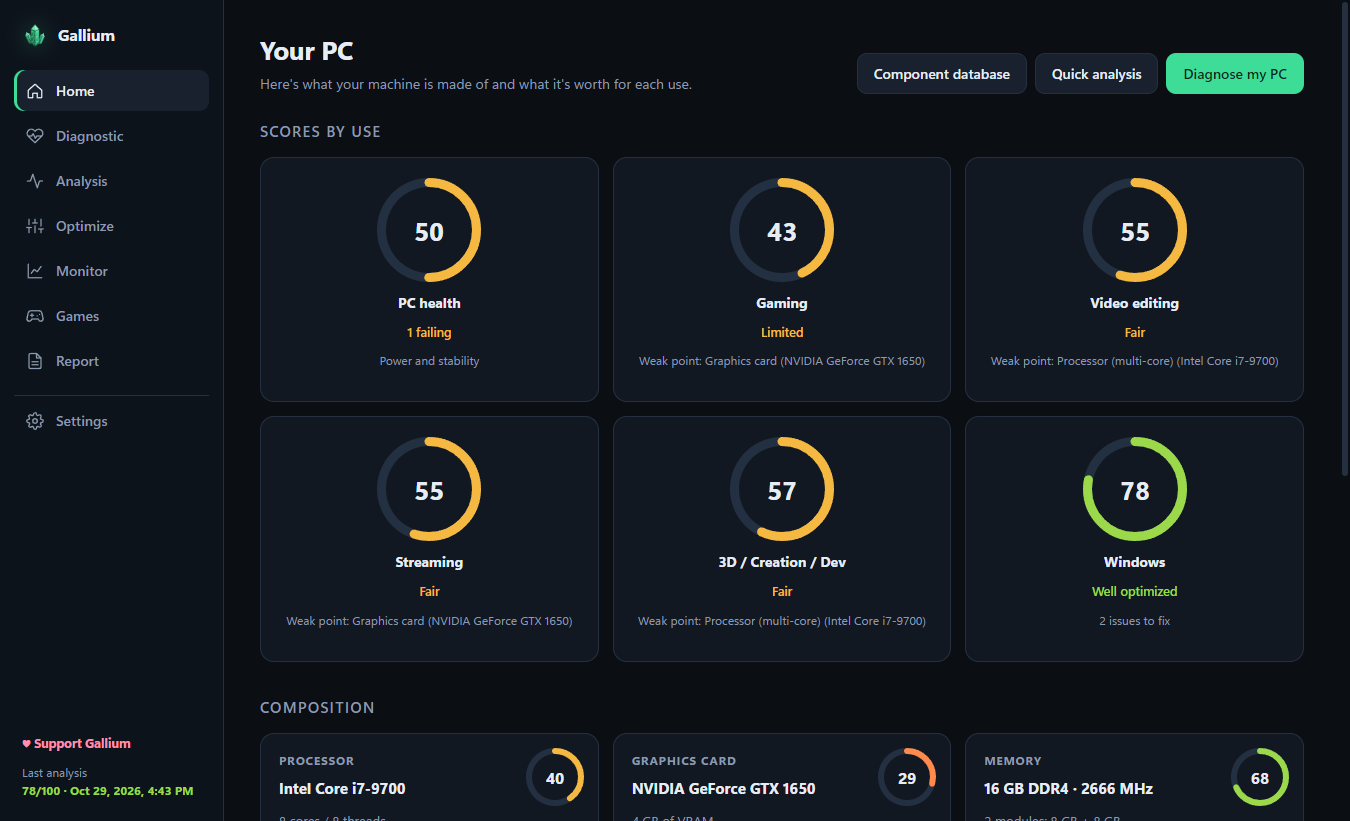
Gallium home screen with usage scores
30 sfor a full health check of your PC
0data collected: everything stays on your PC
20languages
100%free and open source, no ads

Everything your PC needs, in one free tool

No account, no ads, no telemetry. Everything runs on your PC.

🩺

Health diagnostic

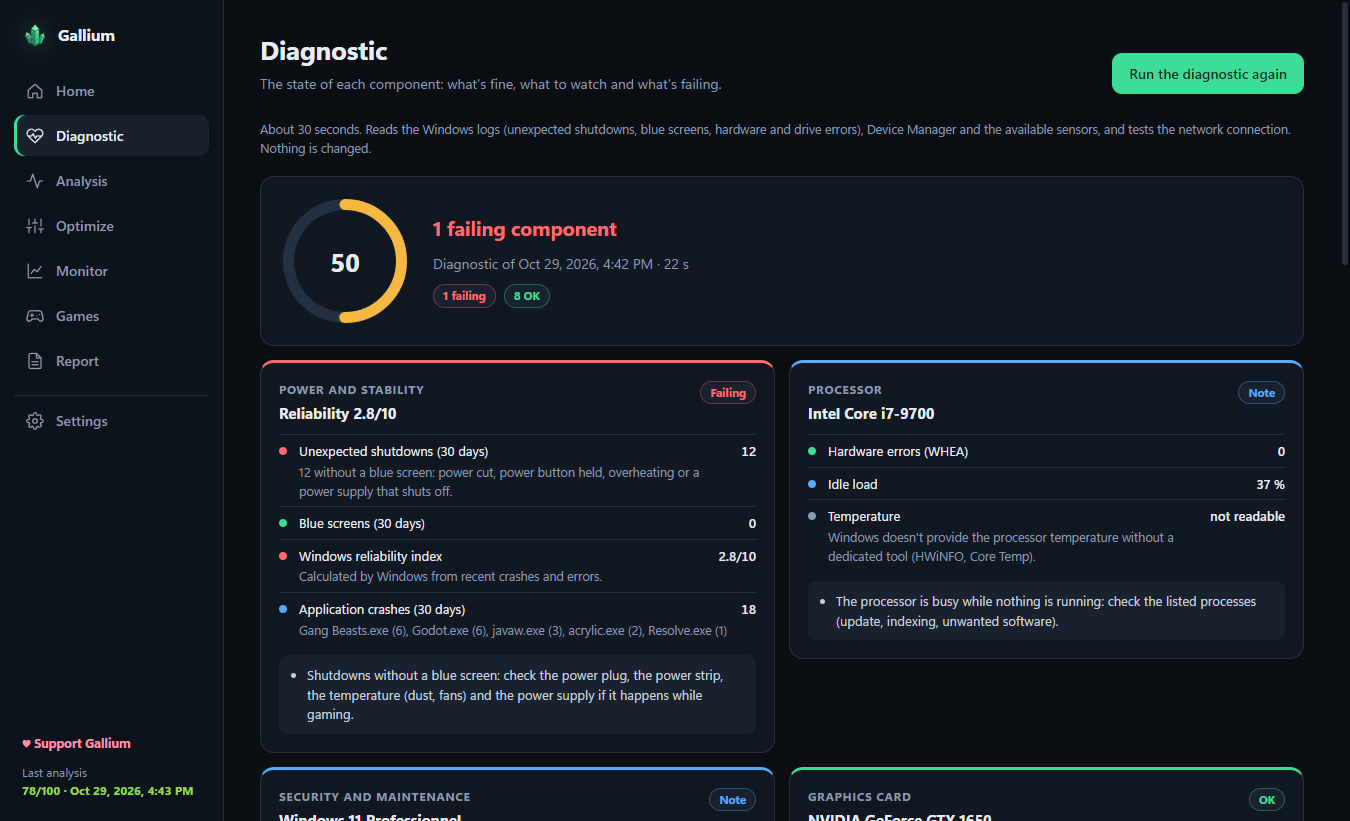
Processor, graphics card, memory, every drive (SMART), battery, network and drivers, each one rated OK, Watch or Failing.

💥

Blue screens explained

Stop codes decoded, crash dumps analyzed and the faulty driver or component named, along with unexpected shutdowns.

🧪

Stability tests

CPU at 100%, graphics card stress test, RAM check without restarting or the full Windows memory test.

⚡

Reversible optimizations

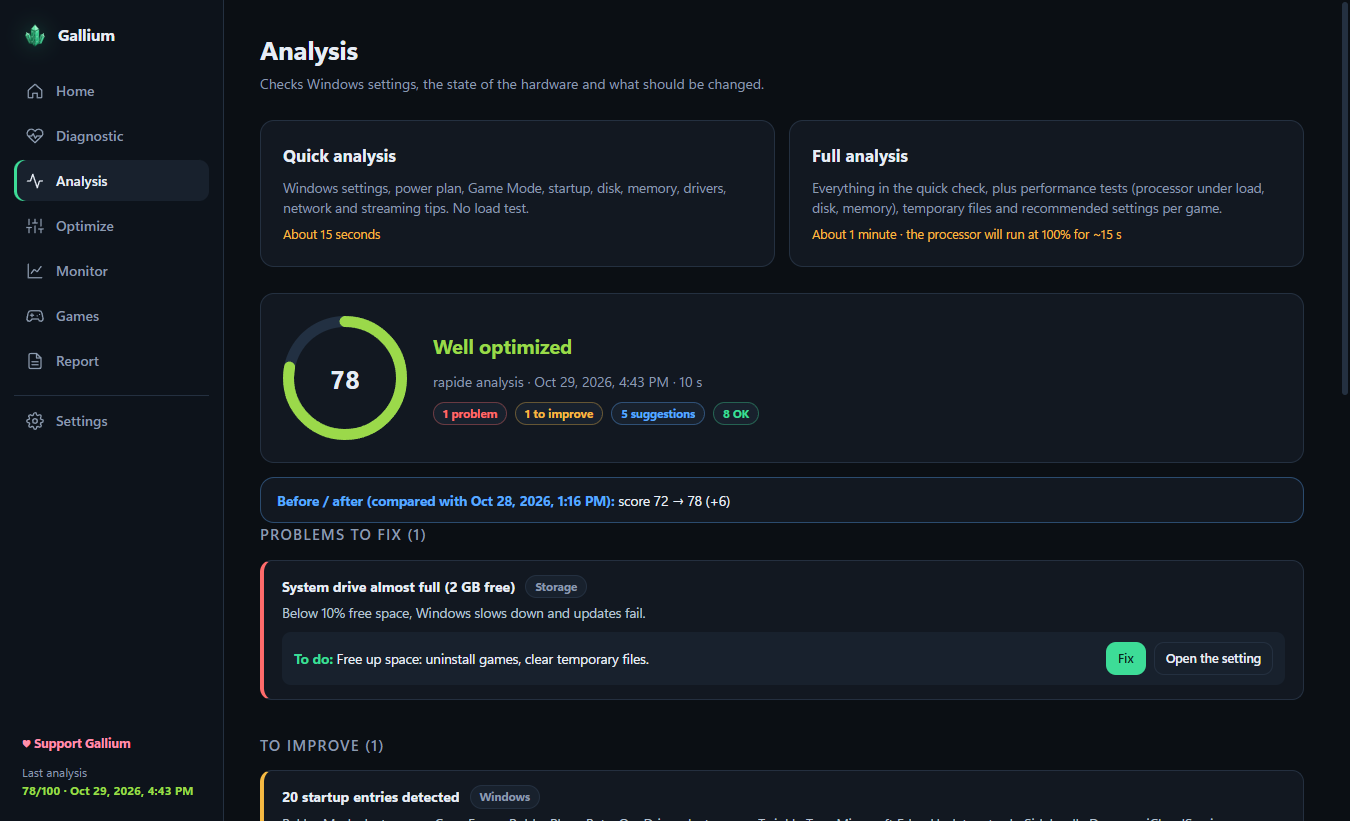
Power plan, Game Mode, mouse acceleration, temporary files… One click, one click to undo, restore point first.

🎮

Scores & FPS estimates

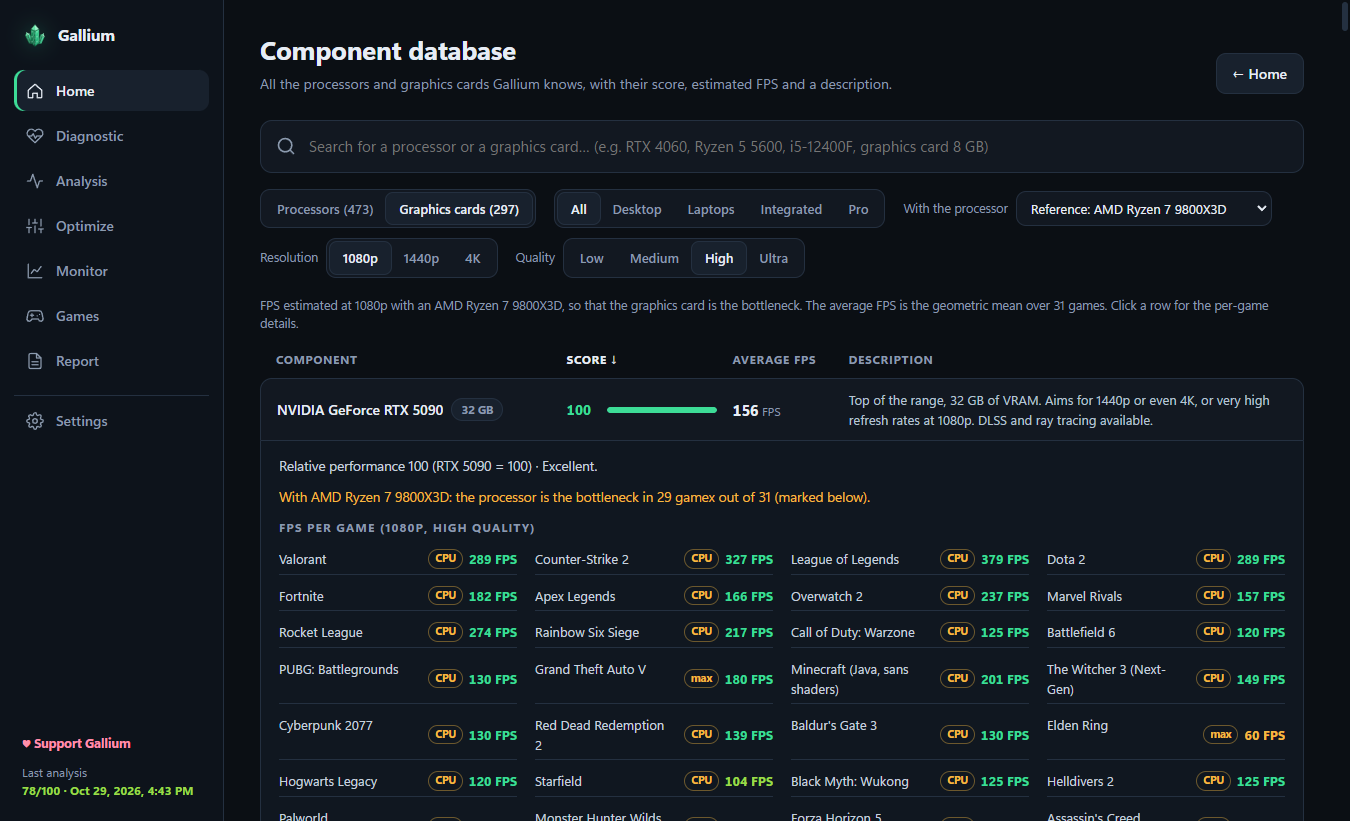
A score for every component, estimated FPS in about thirty games and a database of 470 CPUs and 300 GPUs.

📈

Real-time monitor

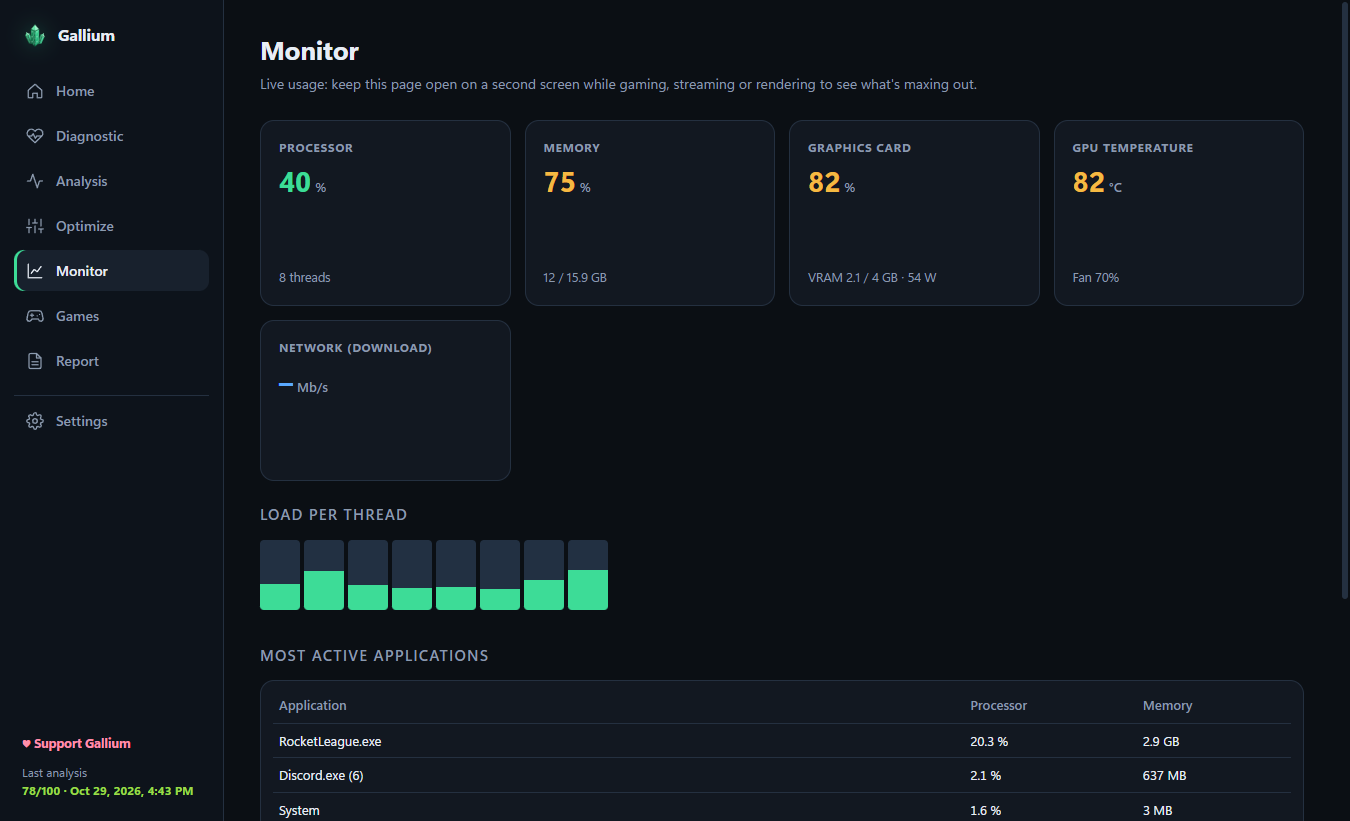
CPU per thread, memory, graphics card, temperature, network and the most active applications.
See it in action

Hover to pause, click to enlarge.

For gamers and for repair shops

Personal

Get the most out of your PC

  • Find what limits your FPS before buying an upgrade
  • Understand crashes and blue screens
  • Optimize Windows for gaming and streaming (OBS tips)
  • Compare CPU / GPU pairings in the component database
Professional

Diagnose client PCs faster

  • PDF reports with client name, reference and serial number
  • Client records with multi-PC history and before / after comparison
  • Detailed driver list and crash dump analysis
  • Portable version: runs from a USB stick, nothing to install

Available in 20 languages

EnglishFrançaisEspañolDeutschItaliano PortuguêsNederlandsPolskiRomânăSvenska TürkçeРусскийУкраїнськаالعربيةहिन्दी Bahasa IndonesiaTiếng Việt中文日本語한국어

FAQ

Is Gallium really free?

Yes. Gallium is free and open source under the GPL-3.0 license, with no ads and no paid version. You can support the project on Ko-fi if it helps you.

Windows says "Windows protected your PC". Is it safe?

The app is not code-signed yet, so SmartScreen doesn't know it. Click More info → Run anyway. The full source code is on GitHub so you can check exactly what it does.

Why does it ask for administrator rights?

Reading drive health (SMART), the Windows event logs and crash dumps, and creating a restore point all require administrator rights.

Does Gallium send my data anywhere?

No. Everything runs locally. The only network traffic is a ping to your router and to 1.1.1.1 to measure latency.

Can optimizations break my PC?

Each optimization only changes settings of your Windows account and can be undone in one click. A Windows restore point is created before the first change.

Are the FPS figures real benchmarks?

No, they are estimates computed from built-in performance tables. They are useful to compare hardware and spot bottlenecks, not to replace an in-game benchmark.

Support Gallium ☕

Gallium is free and will stay free. A coffee or a ⭐ on GitHub helps keep it going.

♥ Support on Ko-fi